Using a DC fast charger is straightforward at the vehicle interface, but commercial operators need to think beyond plugging in. The session depends on vehicle compatibility, connector type, available power, and the charger’s control interface. For a fleet or facility manager, those steps sit inside a larger operating process.
Confirm the vehicle and charger match
Before connecting anything, check the vehicle’s DC charging capability and the connector offered by the station. Do not assume every EV can use every DC connector or accept the station’s full rated power.
A Level 3 DC fast charger sends DC power to the vehicle rather than relying on its onboard AC charger. That distinction is why DC charging can replenish an EV more quickly than typical AC charging. INFORE ENVIRO offers DC equipment in several power ranges and connector configurations, so the correct choice depends on the vehicle population and site.
A facility serving mixed EV models should identify the connectors used by its fleet before standardizing hardware. A charger that looks suitable on paper can create operational friction if its connector does not match the vehicles that actually arrive.
Check the station before starting
Inspect the charger display and connector before plugging in. Look for an available status, fault indication, or other message that could prevent a normal session. Keep the connector and cable clear of obvious hazards.
Park so the cable can reach the vehicle without excessive bending or tension. Commercial sites should also maintain a consistent parking layout. Good positioning reduces unnecessary handling and makes repeated fleet charging easier.
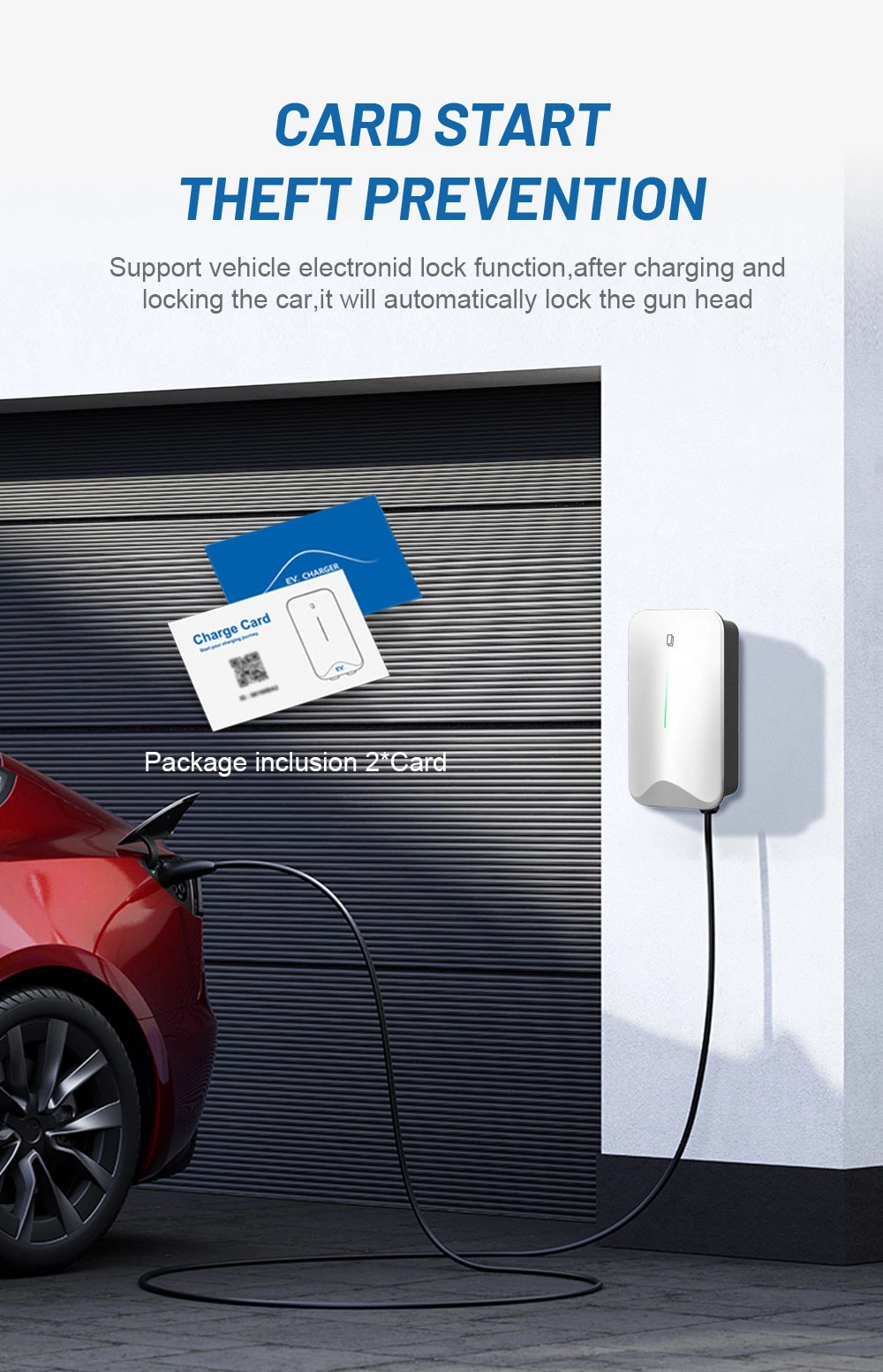
A modern DC charger may support several authentication methods. For example, INFORE ENVIRO’s 160kW DC fast charger supports APP and RFID startup, with 4G and Ethernet networking. The exact procedure depends on the equipment and site software.
Start charging and verify the session
Connect the charging gun firmly to the vehicle’s DC inlet, then follow the station’s startup procedure. Depending on the configuration, that may mean using an app, RFID card, or another authorized method.
Once charging begins, verify that the display shows an active session. Monitor charging status, power information, and warning messages. If the station reports a fault, follow the site’s operating procedure instead of repeatedly reconnecting the connector.
A 100kw DC fast charger should not be treated as a guarantee that every vehicle will continuously receive 100 kW. Actual charging power is governed by the vehicle, battery state, temperature, charging strategy, available output, and other relevant factors. The charger’s rating describes its maximum capability, not a fixed charging rate.
Stop at an operationally useful point
DC charging is not simply a race to reach 100% battery state. Charging behavior can change as the battery becomes fuller, and the final portion may be less attractive for a business trying to keep vehicles moving.
For fleet operations, define a practical charging target around the vehicle’s next duty cycle. If a delivery vehicle only needs enough energy for its next route, keeping it at the charger afterward may reduce station availability without adding operational value.
Drivers should end the session through the charger’s normal stop procedure before removing the connector. After disconnecting, return the charging gun securely to its holder and move the vehicle if the space is intended for active charging.
Connect charging to site operations
The user workflow is simple, but facility managers should connect it to a broader operating plan. A high-power station can add substantial electrical demand, so its schedule should be considered alongside existing facility loads and electrical infrastructure.
A depot with several vehicles returning together may not need every charger to operate at maximum output simultaneously. Smart charging and load-management strategies can coordinate charging around departure times and site constraints. INFORE ENVIRO’s charging solutions include fleet-oriented applications and DC equipment for commercial charging scenarios.
INFORE ENVIRO’s product portfolio includes solutions designed for light truck fleets and public vehicles, with infrastructure considerations centered around energy replenishment and parking utilization.
Select power around the job
Equipment selection should start with the charging task. A 100kw DC fast charger may suit a site that needs meaningful energy replenishment during scheduled stops, while higher power may make more sense where vehicles have short turnaround windows.
The electrical supply must also be evaluated before installation. Rated output is only one part of the system. Input voltage, available capacity, distribution equipment, cable routing, protection, and site layout all influence whether the installation is practical.
Businesses should therefore look beyond the headline kW number. Connector configuration, communication options, authentication, environmental protection, remote diagnostics, and network integration can affect daily operations. INFORE ENVIRO, for example, lists OCPP 1.6J, 4G/Ethernet networking, and multiple protection functions for its 160kW model.
Make the workflow predictable
Learning how to use a DC fast charger takes a few steps: confirm compatibility, connect correctly, authorize the session, verify charging, stop normally, and clear the bay when finished. The challenge for a commercial site is making those steps reliable across many vehicles, drivers, and charging events.
A successful rollout requires looking beyond charging speed. The key is understanding how site management, electrical capacity, power levels, connector configuration, and operational workflow are all interconnected. Ultimately, a DC charger delivers its full value only when it integrates seamlessly into the facility or fleet it serves.
.webp)